

FREE LABEL MAKER
Free QR code labels for boxes and bins
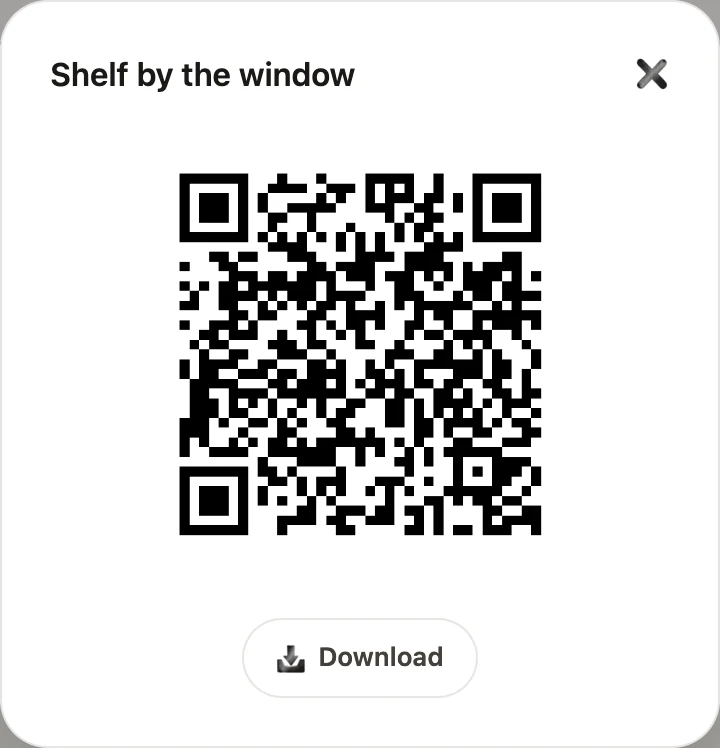
Write what goes in each box, print a sheet of labels and stick one on every box. Later, point your phone camera at a label and the list opens without lifting the lid.
 Free, no account
- Common label sheets, a label printer or plain paper
- Opens with any phone camera, no app needed
- The list is inside the code; what you type is not sent to us
Make your labels
Pick the labels you have. The size is on the pack.
On a sheet you have printed on before, printing starts after them.
One thing per line, or separate them with commas.
FragileOne thing per line, or separate them with commas.
One thing per line, or separate them with commas.
Boxes: 3 · Labels: 3 · Sheets: 1
In the print dialog, set the scale to 100 % (Actual size), not Fit to page. Try one page on plain paper first and hold it over the label sheet against a window.
HOW TO PRINT
From a sheet of labels to boxes you don't have to open
- Pick the labels you have. The size is printed on the pack; on plain paper, the cut lines show where to cut.
- Print at 100 % (Actual size). Fit to page shrinks the labels and they miss the stickers.
- Print one page on plain paper first and hold it over the label sheet against a window.
- Half a sheet left from last time? Say how many labels are used, and printing starts after them.
- Put one label on the top of the box and one on the side, so you can read it when boxes are stacked.
- To check a box, open the phone camera and point it at the label. The list opens in the browser.
- Changed what is in a box? Edit it here and print a new label: the list is stored in the code itself.
IN THE APP
Labels that keep up with the box
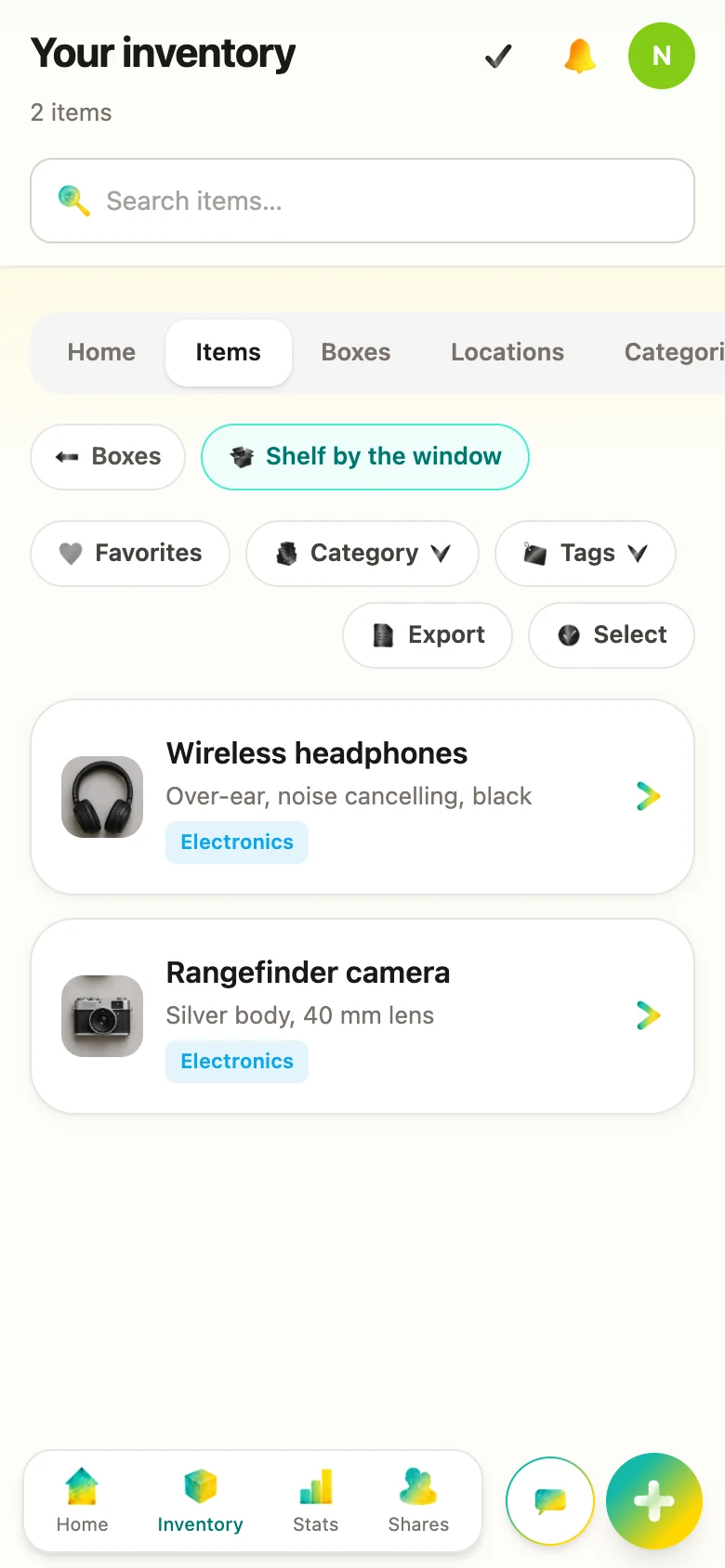
In AllKeep, a box's label stays the same when you add or take things out. Scanning it opens the box with a photo of each thing, and everyone in your household sees the same list.
Free: as many boxes and things as you have, QR labels, sharing and search.
Questions
Is it really free?
Yes: no account, no trial, no watermark. The label maker is part of AllKeep, a home inventory app, which is also free for as many boxes as you have.
Which label sheets can I print on?
2 × 4 in labels, 10 per Letter sheet (Avery 5163 and the same size from other makers); 3⅓ × 4 in, 6 per sheet (Avery 5164); 99.1 × 67.7 mm, 8 per A4 sheet (Avery L7165); 86.4 × 42.3 mm, 12 per A4 sheet; 4 × 6 in labels on a label printer. On any other paper, print the cut lines and cut the labels out.
Do I need an app to scan the labels?
No. The camera of an iPhone or an Android phone reads the code and opens the list in the browser, for anyone who scans it, without an account.
What if I change what's in the box?
The list is written into the code, so a label shows what was in the box when you printed it. Edit the box here and print a new label. In the AllKeep app, a label stays the same and always opens the current list.
Who can see my list?
The labels are made in your browser, and what you type is not sent to us. The list travels inside the code, so anyone who scans the label can read it: list only what you would write on the box itself.
How much fits on one label?
About twenty short names in English, fewer in Russian, Hindi, Japanese or Chinese, whose letters take more room in the code. When a list is too long, the page says how many things made it into the code.