

FREE CALCULATOR
How much contents insurance do you need?
Go through your home room by room and write down what each thing would cost to buy new today. The page adds it up, checks the total against the sum insured on your policy and shows which things are worth more than its limit for one item.
 Free, no account
- Room by room, with the usual things already listed
- Checks your sum insured and the limit for one item
- Works in your browser; what you type is not sent to us
Add up your things
GETTING THE NUMBER RIGHT
What to count, and at what price
- Count what each thing would cost to buy new today, not what you paid or what it would sell for. That total is the sum insured to ask for.
- Some policies pay the cost new, others take off for age and wear (actual cash value), which pays less. Your policy says which one yours is.
- Small things add up: clothes, shoes, books, dishes, towels and cosmetics often come to more than the TV and the sofa. Give them one amount per room.
- Look in cupboards, under the bed, in the garage, on the balcony and in a storage unit. Curtains, lamps, rugs and bedding count too.
- Jewelry, watches, art, cameras and instruments: check the policy's limit for one item and for valuables in all, and list the dear ones by name.
- Renting? The landlord's insurance covers the building, not your things. Contents or renters insurance is for what you own.
- Count again after a big purchase, a move, a wedding or a baby, and once a year when the policy renews.
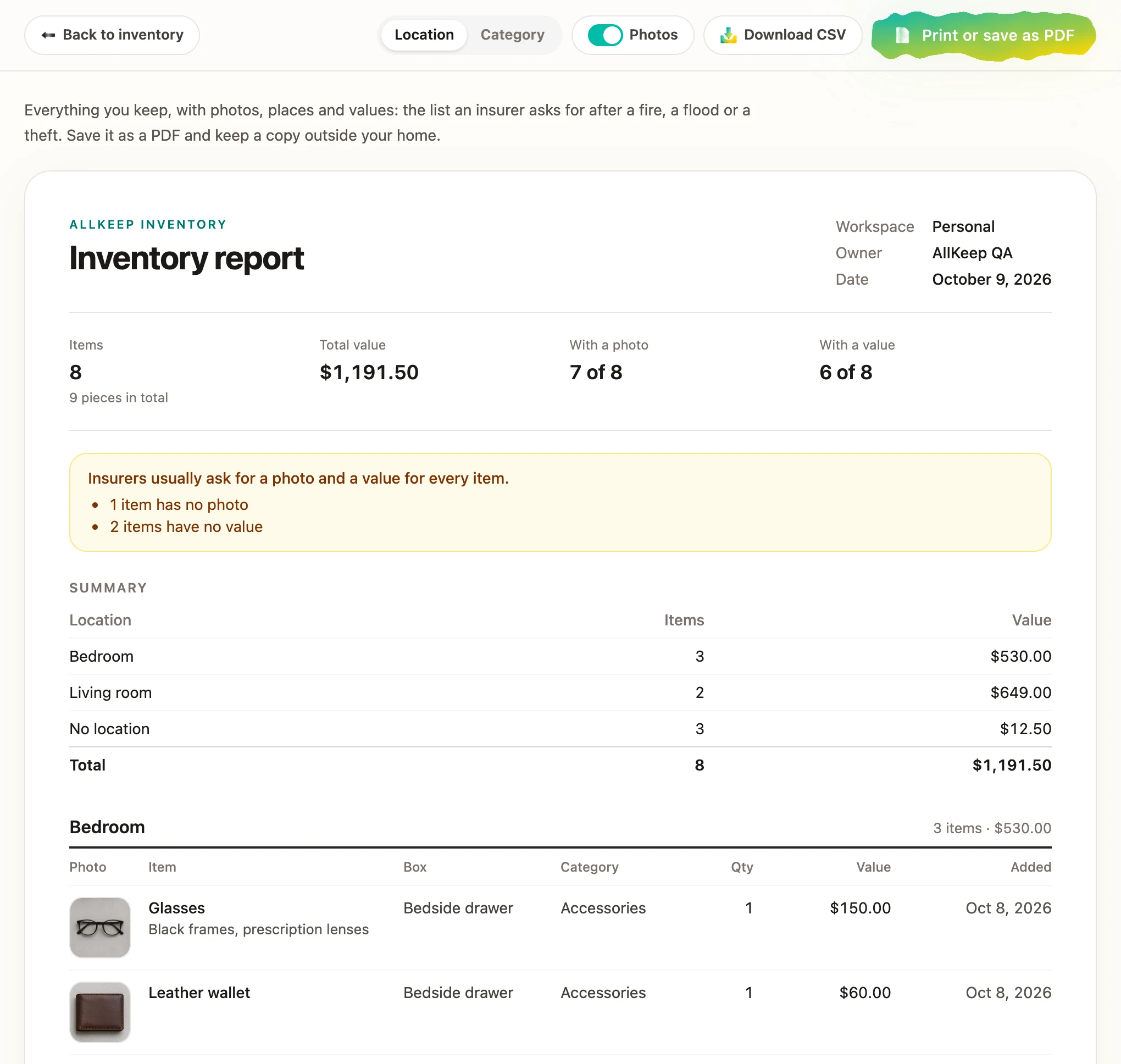
- After a loss the insurer asks what you had. A list with photos and receipts, kept away from home, makes the claim quicker.
AFTER THE TOTAL
Keep the list, with a photo of each thing
Download the list and import it into the free AllKeep web app: every room and thing comes in with its amount. Add a photo of each thing, its receipt, serial number and warranty, and print the inventory report an insurer asks for after a fire, a flood or a burglary.
Free: items, boxes, QR labels, sharing, import and the report, plus 30 AI photo credits a month.
Questions
Is it free?
Yes. The calculator, the printout and the Excel file are free. You don't need an account or an email address.
Is this a quote?
No. It adds up your own amounts. It does not know your insurer's prices or rules: what the policy pays and how is written in the policy.
Which currency can I use?
Any in the list. Type amounts the way you usually write them: with commas, dots or spaces between thousands, with or without a currency sign.
I already made the free template. Do I start again?
No. In the same browser the calculator starts from your template's rooms and things, so you only add the amounts.
Do you see what I type?
No. The page adds it up and makes the printout and the file in your browser, and keeps your list in this browser only. What you type is not sent to us.